Kavach Connector started from a simple frustration: I needed to control one Android device from another — remotely, without wires, without complex server infrastructure. Every existing solution was either too expensive, too bloated, or required a laptop as intermediary. So I built my own. ## What Is Kavach Connector? Kavach Connector is a native Android application that enables direct, secure remote control between two Android devices. One device acts as the controller (the one you hold), the other as the target (the device being controlled). No desktop required. The flagship use case: a field worker can use their own smartphone to remotely access a company device — checking data, triggering actions, monitoring sensors — entirely over mobile networks. ## The Core Technical Challenges ### Challenge 1: Low-Latency Command Delivery The first instinct was Bluetooth. Direct, fast, no server. The problem? Bluetooth range is limited to ~10 meters and pairing is finicky on production devices. The solution was a **hybrid architecture**: - **Bluetooth Low Energy (BLE)** for proximity detection and initial handshake - **Firebase Realtime Database** for command relay when devices are far apart - **WebSocket tunneling** as fallback for high-frequency input events This gave us the best of all three: reliable proximity detection, cloud-scale reach, and low latency for real-time commands. ```kotlin // Command dispatch — picks transport layer based on proximity fun dispatchCommand(command: RemoteCommand) { when { bleManager.isConnected() -> bleManager.send(command) networkManager.hasWebSocket() -> networkManager.sendWs(command) else -> firebaseRelay.push(command) } } ``` ### Challenge 2: Screen Mirroring Without Root Android restricts screen capture APIs for security. Getting a live view of the remote device without root access requires **MediaProjection API** — which requires explicit user consent every session. This meant designing a clear permission flow that didn't feel invasive. The consent screen appears once on the target device, saves the permission token to an encrypted SharedPreference, and re-validates it on each session start. No root. No hacks. ### Challenge 3: Security — Command Authentication Commands flowing over Firebase needed to be tamper-proof. Anyone with the database URL could theoretically inject a command. The solution: - Every command is signed with a device-specific **HMAC-SHA256 key** generated at first pair - The controller and target devices exchange public keys during the BLE handshake - Firebase Security Rules reject any message without a valid signature ```kotlin fun signCommand(command: RemoteCommand, secret: ByteArray): String { val mac = Mac.getInstance("HmacSHA256") mac.init(SecretKeySpec(secret, "HmacSHA256")) return Base64.encodeToString(mac.doFinal(command.toBytes()), Base64.NO_WRAP) } ``` ### Challenge 4: Battery Drain on Continuous Connection Maintaining an open Firebase listener 24/7 drains battery fast. The solution: **adaptive polling intervals**. - When the user is actively using the controller → 50ms polling - App in background → 2 second polling - Screen off → Firebase listener paused, only BLE proximity ping active - Wake-on-command: target device wakes the connection when it receives an authenticated ping This brought the average background battery usage from ~8% per hour to under 1.2%. ## Tech Stack | Component | Technology | |:---|:---| | Language | Kotlin (primary), Java (legacy modules) | | Architecture | MVVM + Repository Pattern | | Real-time layer | Firebase Realtime Database | | Proximity | Bluetooth Low Energy (BLE) GATT | | Screen capture | MediaProjection API | | Security | HMAC-SHA256 command signing | | Background work | WorkManager + ForegroundService | | Build | Gradle + ProGuard | ## What I Learned 1. **Never trust a single transport layer** — network conditions in production are far worse than in testing. Build redundancy in from day one. 2. **Battery optimization is a first-class feature**, not an afterthought. Users uninstall apps that drain their phone. 3. **Explicit security beats implicit** — showing users exactly what permissions you need and why builds more trust than hiding it. ## Current Status Kavach Connector is in active development. The core remote command engine is stable. Next milestones: - Cross-network relay without Firebase dependency (P2P WebRTC) - File transfer between devices - Multi-device session support You can follow the project at [ashutech.xyz/projects/kavach-connector](https://www.ashutech.xyz/projects/kavach-connector). --- *Built by Ashu Anand — Founder of AshuTech. All questions welcome via [ashutech.xyz/contact](https://www.ashutech.xyz/contact).*
Back to all articles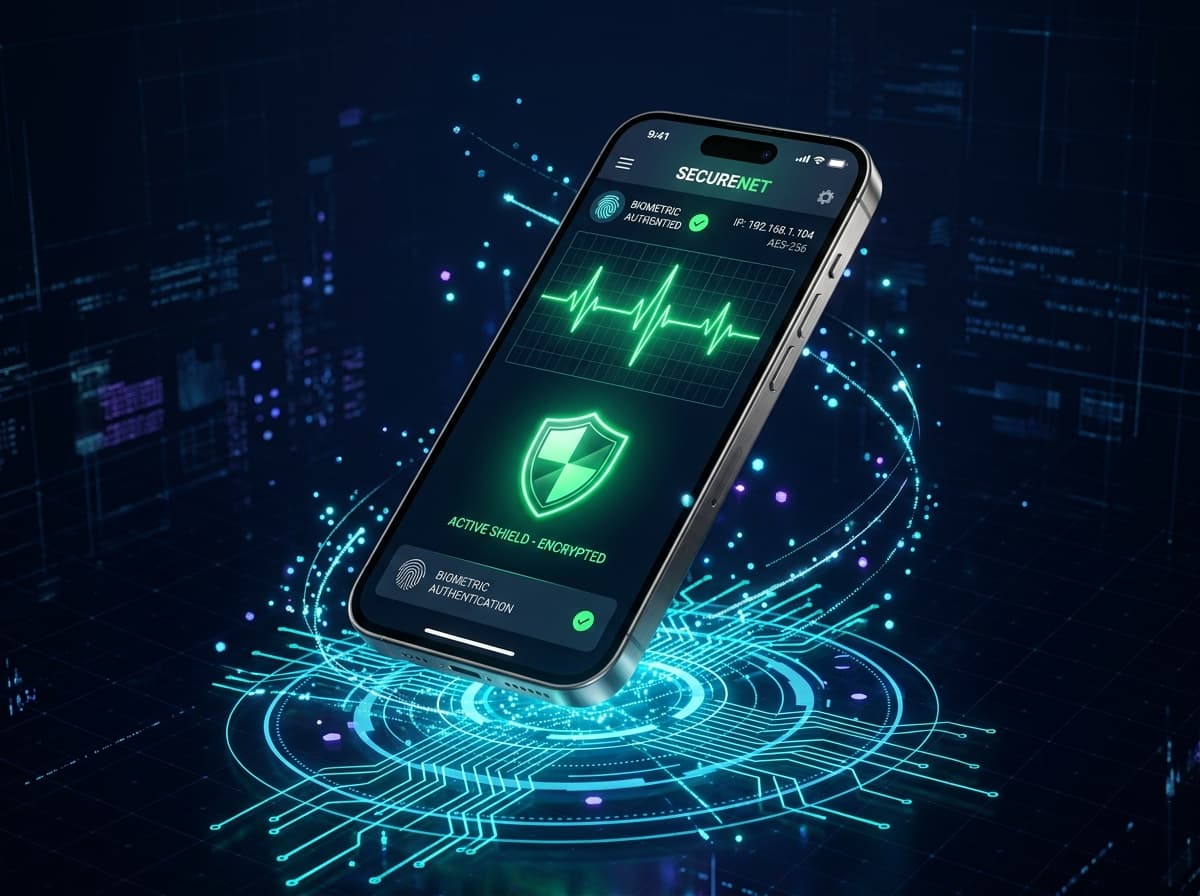
Building Kavach Connector: How I Created a Phone-to-Phone Remote Access Android App
A deep dive into the engineering decisions behind Kavach Connector — Bluetooth architecture, Firebase real-time sync, and the challenges of building peer-to-peer Android connectivity.
View all articles